Spreadsheet shortcuts are here!
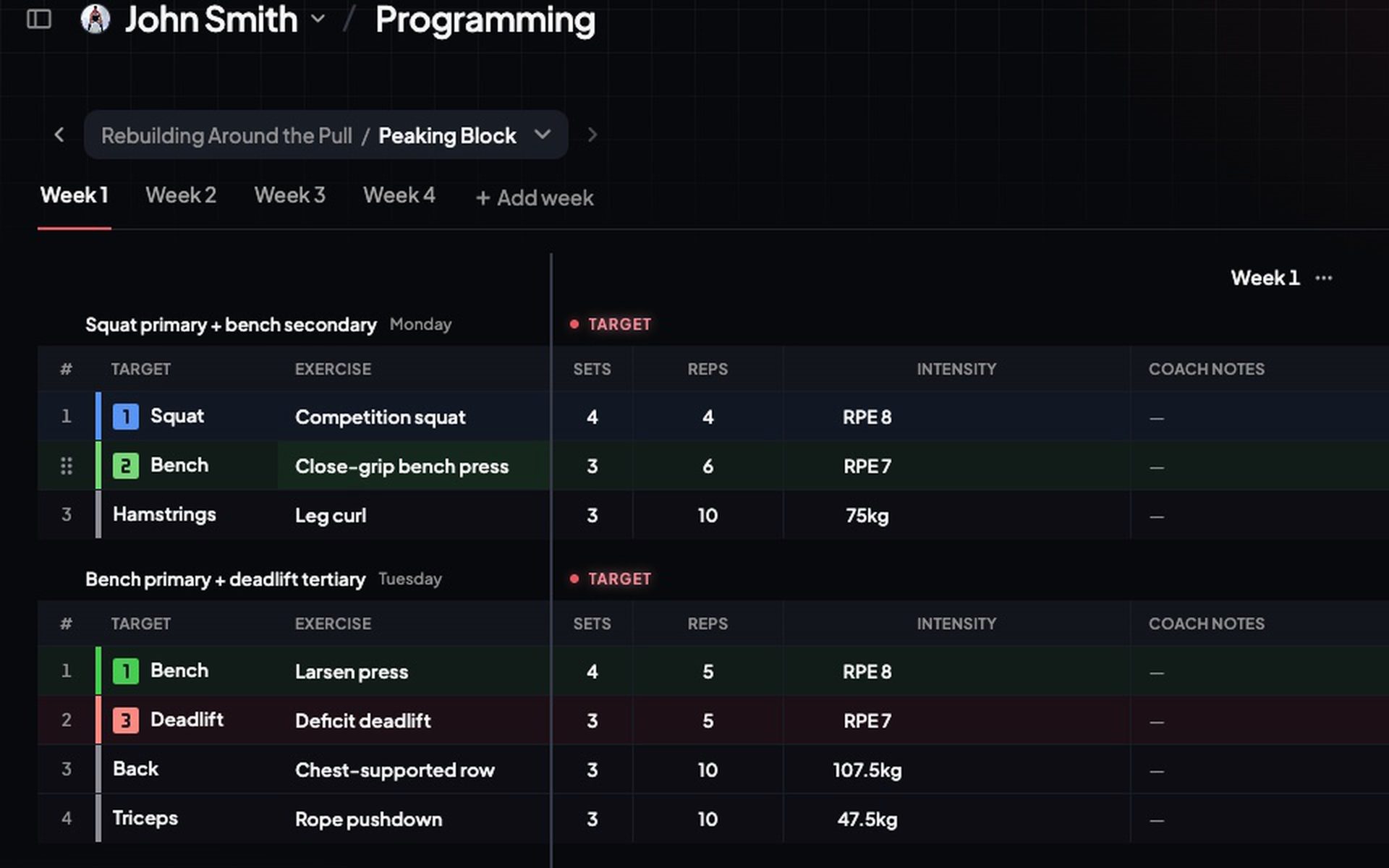
Programming now works like your sheet. Drag to select, copy, paste, fill and undo, with the shortcuts you know already.
- Drag to select any range. Shift+Arrow grows/shrinks the selection, Cmd+A takes the whole training.
- Cmd+C, Cmd+X, Cmd+V copy, cut and paste. Copy from a previous week or from a real spreadsheet, every cell lands in the right column.
- Fill handle: drag the corner down to repeat a set-up across exercises. Cmd+D fills from the top cell.
- Cmd+Z undoes any edit. Cmd+Shift+Z brings it back.
- Delete clears whatever is selected.