Change or skip exercises mid-block
You can now change or skip exercises mid-block.
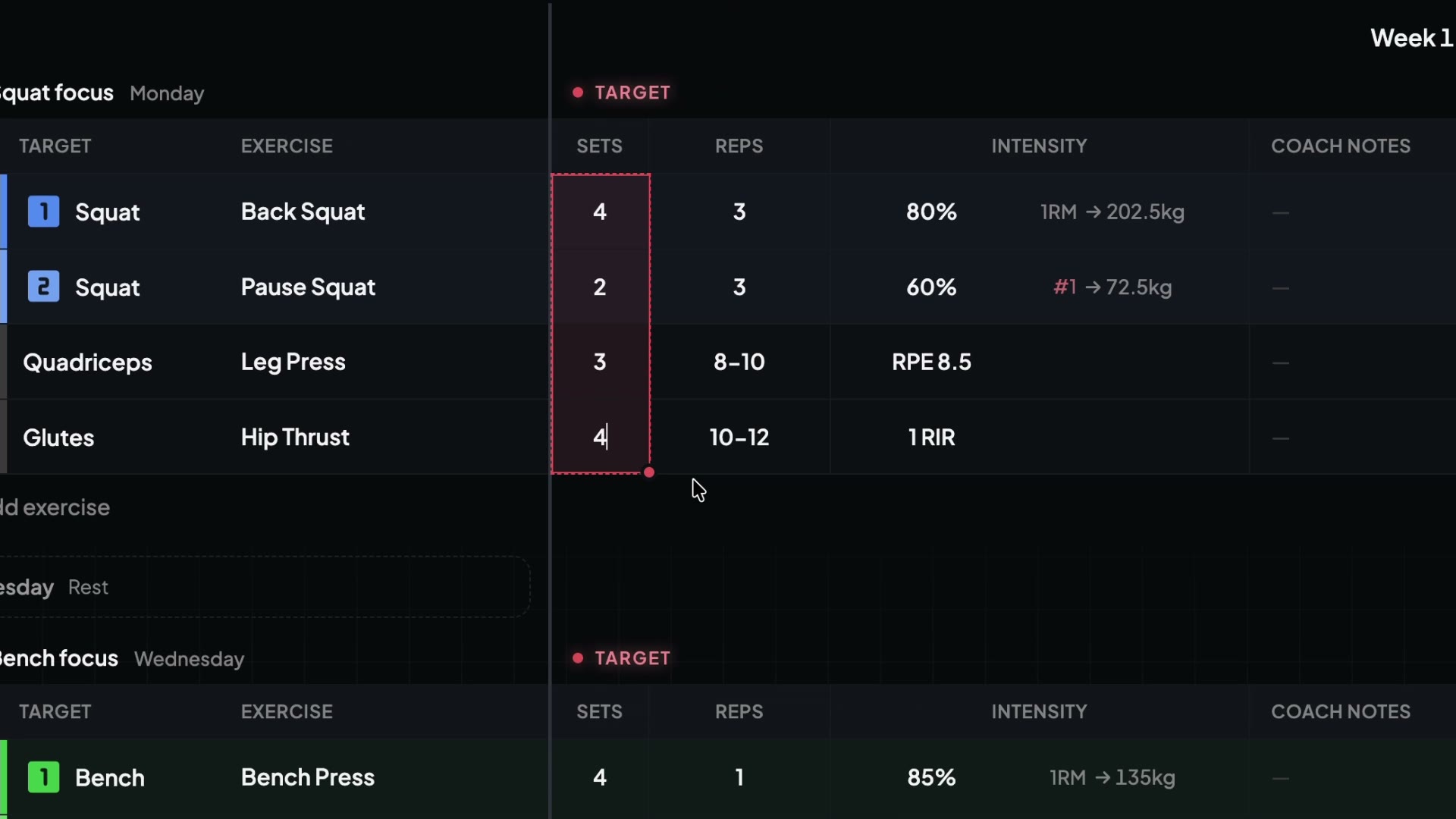
- Change an exercise: right click a cell in the week where the change starts and pick Change exercise from W.... Type the new exercise and keep or change its target and rank. Earlier weeks keep the old exercise.
- Skip an exercise for a week (ideal for tapers): right click a cell in that week and pick Skip exercise in W....
- Skip several weeks at once: right click the row in the sidebar and use the Active weeks menu.
A skipped week shows as a gap in the programming view instead of an empty row. The exercise is also left out of the athlete's check-in for that week.