Program each week on its own
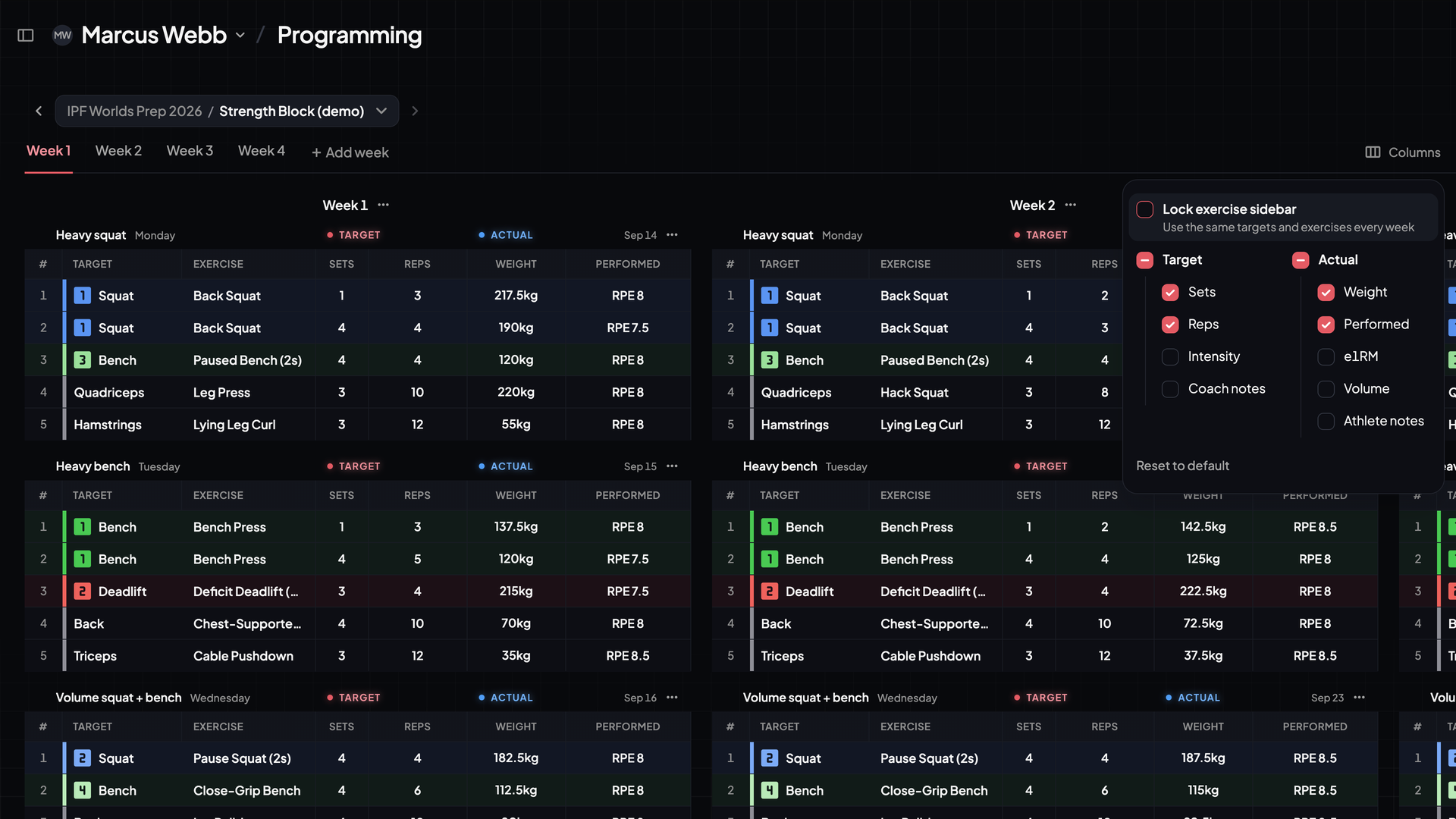
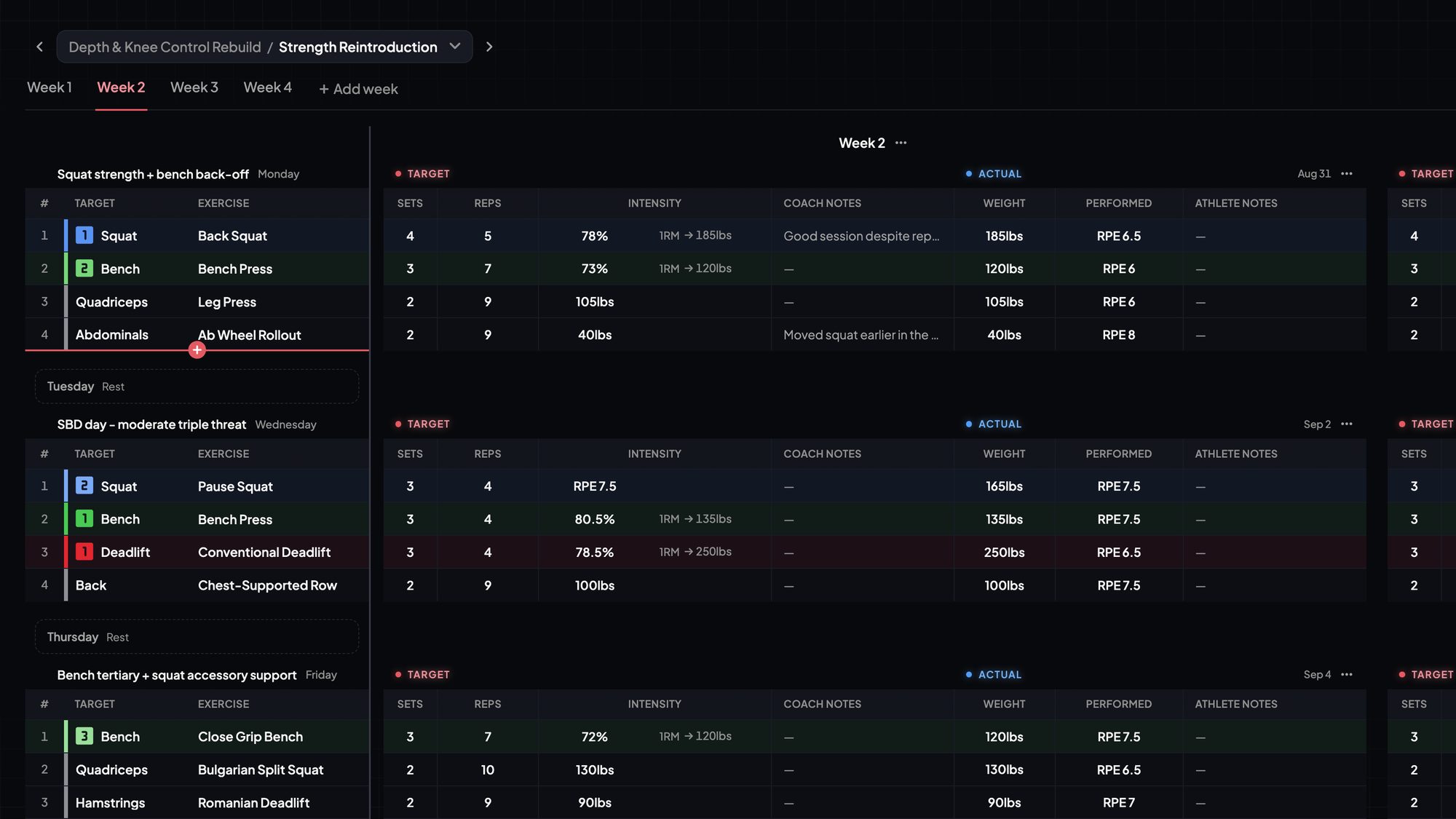
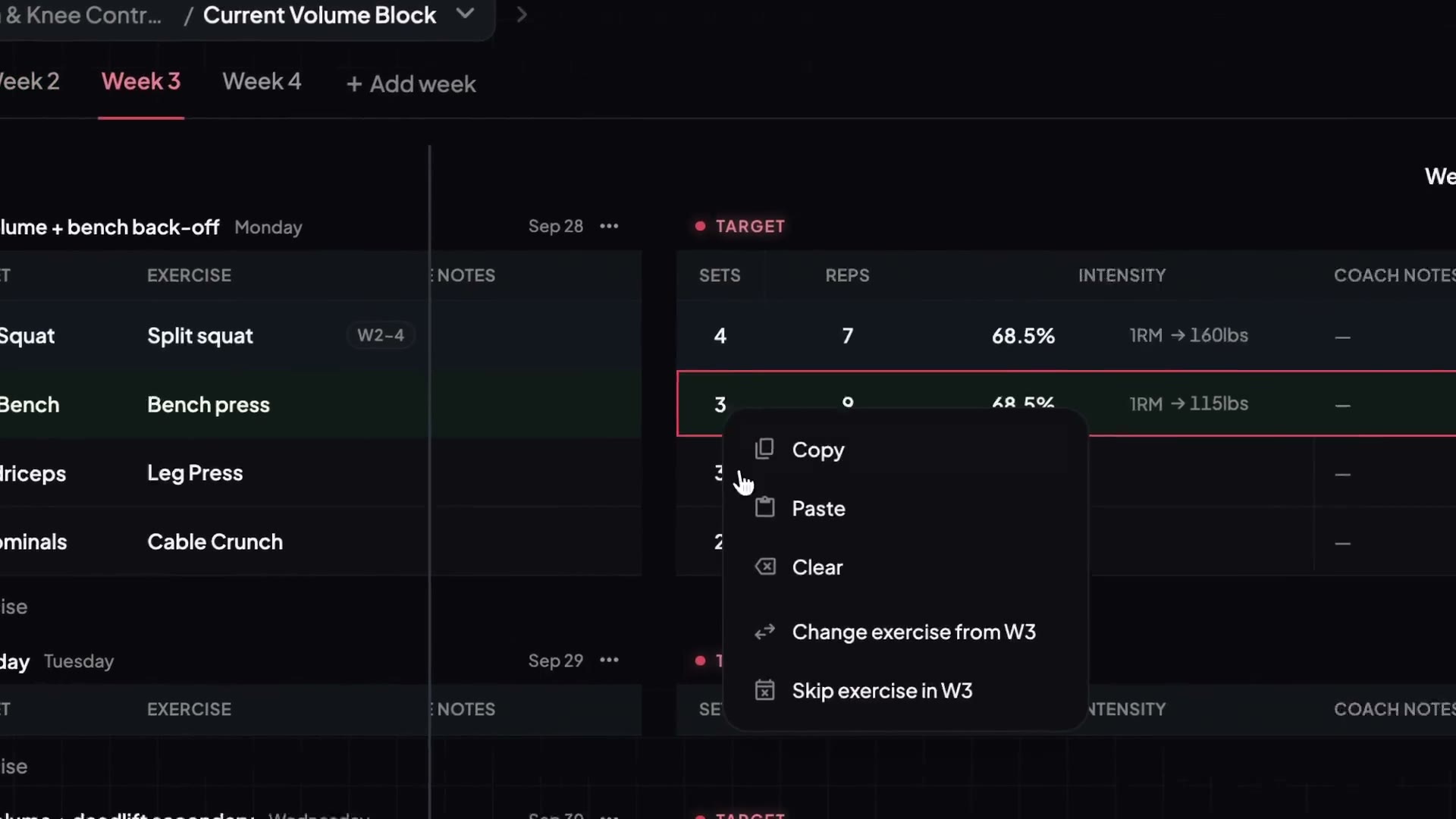
You can now view and edit targets and exercises for each week separately.
- How to turn it on: open the Columns menu and uncheck Lock exercise sidebar.
- On mobile: view always works week by week, without the sidebar.
Want to save maximal space? Reenable the sidebar in the Columns menu by checking Lock exercise sidebar.